Getting Started with Questmo: Your Complete Family Quest Guide
Posted on February 28, 2026 · 9 min read

Welcome, Quest Master
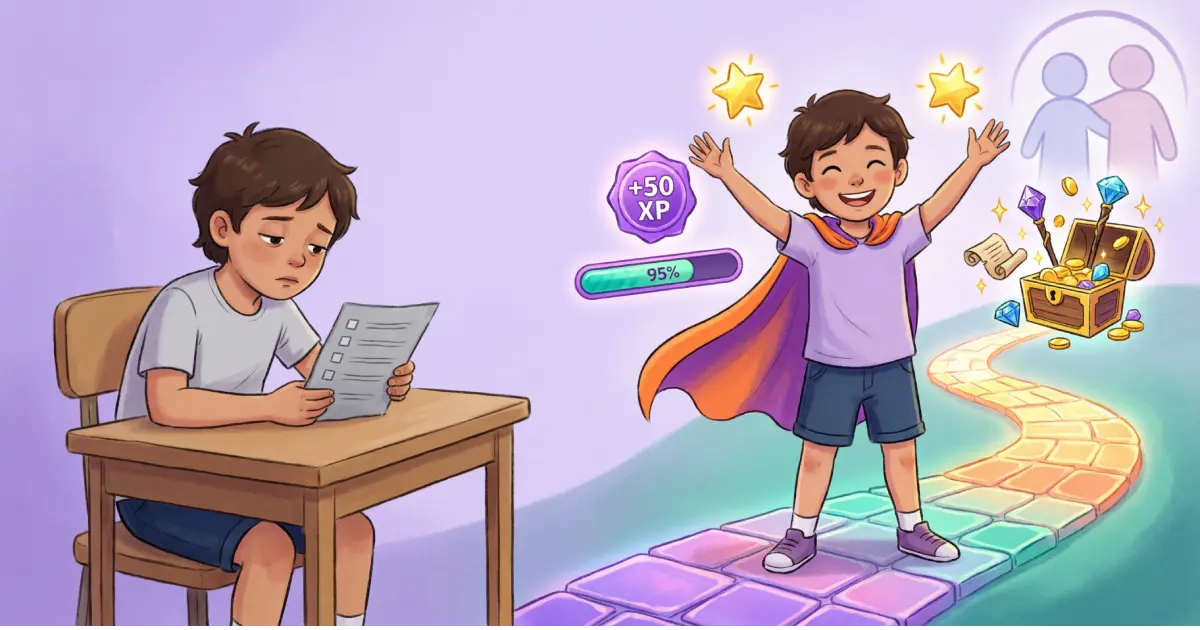
You've downloaded Questmo — congratulations, you've just taken the first step toward ending the daily "did you do your chores?" battle. But staring at a new app can feel a little like standing at the entrance of a dungeon without a map. Don't worry. This guide is your map.
In the next few minutes, you'll set up your family's adventure headquarters and launch your first quest. By the end of the week, your kids won't just be doing chores — they'll be asking for them.
Let's get started.
Step 1: Create Your Family Circle
Your Family Circle is the heart of Questmo. Think of it as your family's home base — a private space where parents assign quests, kids earn XP, and everyone tracks progress together.
Here's how to set it up:
- Open Questmo and sign up with your email, Google, Apple, or Facebook account
- Select the "Parent" role — your Family Circle is created automatically
- You'll receive a unique 4-character circle code (like AB12) — this is how other family members join
That's it. Your home base is live. Share the circle code with your co-parent — they'll sign up, select the "Co-Parent" role, enter your code, and you'll get a join request to approve from the Circle tab in the bottom navigation > Pending Requests. Once approved, both parents get full access to create quests, approve completions, and manage the reward catalog.
Pro tip: If you're co-parenting, having both parents in the circle means consistency across households. Same quests, same XP, same rules — no matter whose house the kids are at.
Step 2: Add Your Adventurers
Now it's time to bring in the heroes of this story — your kids. There are three ways to add children to your circle:
Method 1: Child Signs Up Themselves
Share the circle code and let your child create their own account:
- Share your 4-character circle code with your child
- They open Questmo and select the "Child" role
- They enter a nickname (this becomes their username) and then enter the circle code
- You'll receive a join request notification — approve it from the Circle tab in the bottom navigation
Power-Up Tip: Younger children may need help entering the circle code — sit with them for the 2-minute setup!
Method 2: Create Child Account from Circle Management
Parents and Co-Parents can create child accounts directly — no need for the child to sign up themselves:
- Open the Circle Management screen (Circle tab in the bottom navigation)
- Tap the Add Child icon in the upper right of the app bar
- Enter a nickname for the child (must be unique within the circle)
- Tap Create Child Account
Method 3: Create Child Account from the Home Screen
You can also create a child account directly from the Parent or Co-Parent home screen:
- Scroll to the children cards row on your dashboard
- Tap the last card labeled "Create Child Account"
- Enter a nickname for the child (must be unique within the circle)
- Tap Create Child Account
Quest Note: When a Parent creates a child account, the child is added automatically. When a Co-Parent creates one, the circle owner (Parent) must approve it first — just like a regular join request.
How the child signs in after account creation (Methods 2 & 3):
Once you create the account, the child can sign in using their nickname and your family's 4-character circle code. That's it — no email or password needed!
Once added, each child gets their own profile with their own XP, level, and achievement progress.
Questmo is designed for children aged 5–12, and everything is COPPA-compliant — meaning your children's data is protected by the strictest child privacy standards. No ads, no tracking, no funny business.
Let your kids pick their avatar — it sounds small, but it gives them ownership of their adventure from day one. They can unlock more avatars (including premium and legendary ones) as they level up.
Step 3: Create Your First Quests
Here's where the magic happens. In Questmo, chores aren't chores — they're quests. And that difference matters more than you think.
To create a quest:
- Go to the Tasks tab and tap the "+" button
- Give the quest a name (e.g., "Conquer the Messy Room" instead of "Clean your room")
- Set a difficulty level — Easy, Medium, or Hard
- Assign an XP value (harder quests = more XP = faster leveling)
- Choose whether it's a one-time quest or a recurring quest (daily, weekly, monthly, or custom)
- Assign it to one or more of your adventurers
First-week quest ideas to get you started:
- Easy quests (10–25 XP): Make your bed, put shoes away, brush teeth without a reminder
- Medium quests (30–50 XP): Set the dinner table, pack your school bag the night before, read for 15 minutes
- Hard quests (60–100 XP): Clean and vacuum your room, help prepare dinner, sort and fold laundry
- Epic quests (100–250 XP): Organize the garage together, plan and cook a family meal, complete a weekend project
Start with 3–5 quests. Don't overload your adventurers on day one — you want them to feel the thrill of completing quests and leveling up, not feel overwhelmed.
The naming trick: Quest names matter. "Take Out the Trash" feels like a chore. "Defeat the Garbage Dragon" feels like an adventure. Have fun with it — your kids will notice.
Step 4: Set Up the Reward Catalog
XP and levels are motivating on their own, but the Reward Catalog is where things get really exciting for kids. This is where they spend the points they've earned on rewards you define.
To set up rewards:
- Go to the Rewards section
- Tap "Add Reward"
- Name the reward, set its point cost, and add an image if you like
- Your kids can browse the catalog and redeem rewards when they've earned enough
Reward ideas that work great:
- Low cost (50–100 points): Choose tonight's dessert, 15 extra minutes of screen time, pick the family movie
- Medium cost (150–300 points): A trip to the park, stay up 30 minutes later on a weekend, a small toy or book
- High cost (500+ points): A special outing (bowling, cinema), a new game, a "no chores" day
The beauty of the catalog is that kids choose what to save for. This teaches delayed gratification, goal-setting, and basic money management — real life skills wrapped in game mechanics.
Step 5: Understanding XP, Levels, and Achievements
Questmo's progression system is designed to keep kids engaged over weeks and months, not just the first day. Here's how it works:
XP (Experience Points)
Every completed quest earns XP. The harder the quest, the more XP. Kids can see their XP total growing in real-time — and that number going up is surprisingly addictive (in the best way).
Levels (1–50)
As XP accumulates, your child levels up. Questmo has 50 levels, and each level requires more XP than the last. Early levels come fast (instant gratification), while later levels require sustained effort (building perseverance). Think of it like a video game — the first few levels fly by, then the real adventure begins.
Achievements (75+)
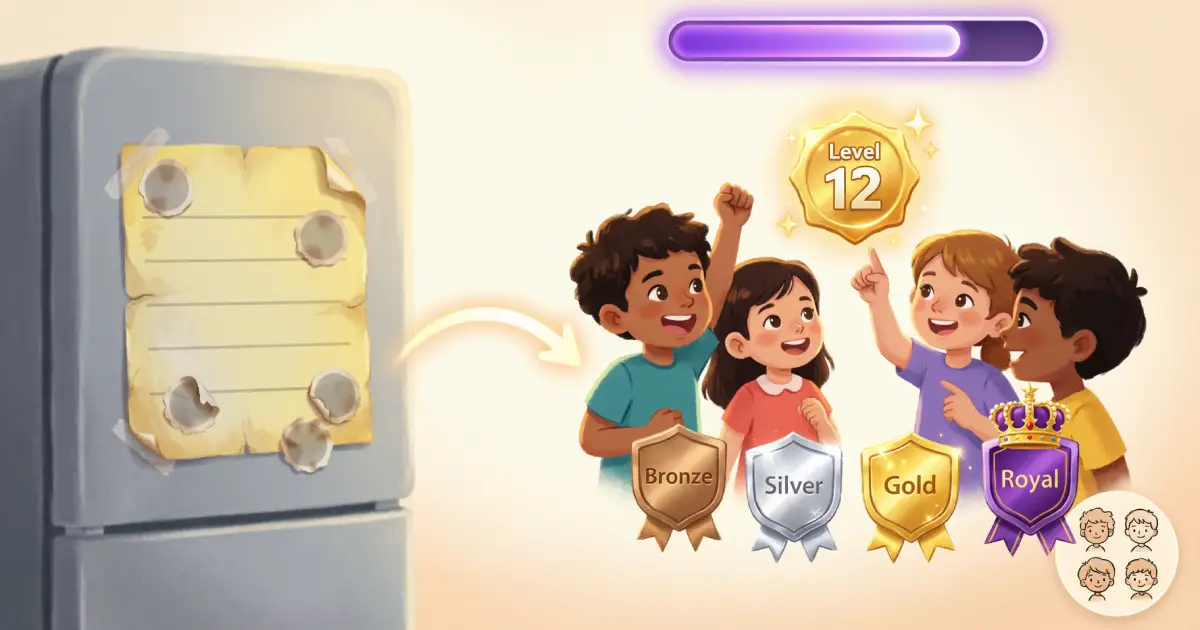
Achievements are special milestones your child unlocks through specific actions — like completing their first quest, maintaining a 7-day streak, or reaching level 10. There are over 75 achievements spread across 4 tiers:
- Bronze: Getting started — first quests, first rewards, early milestones
- Silver: Building momentum — consistency streaks, multiple quest types, teamwork
- Gold: Real mastery — long streaks, high-level quests, significant XP milestones
- Royal: Legendary status — only the most dedicated adventurers reach these
Achievements give kids "surprise and delight" moments — unexpected rewards that keep the adventure feeling fresh even weeks in.
Your First Week: What to Expect
Here's what typically happens when families start using Questmo:
Day 1–2: The Excitement Phase. Kids are thrilled. They'll race to complete quests and check their XP constantly. Ride this wave — assign a few easy wins to build momentum.
Day 3–4: The Curiosity Phase. The novelty settles slightly, but curiosity takes over. Kids start exploring achievements, checking the reward catalog, and asking "what can I do next?" This is when recurring quests become your best friend.
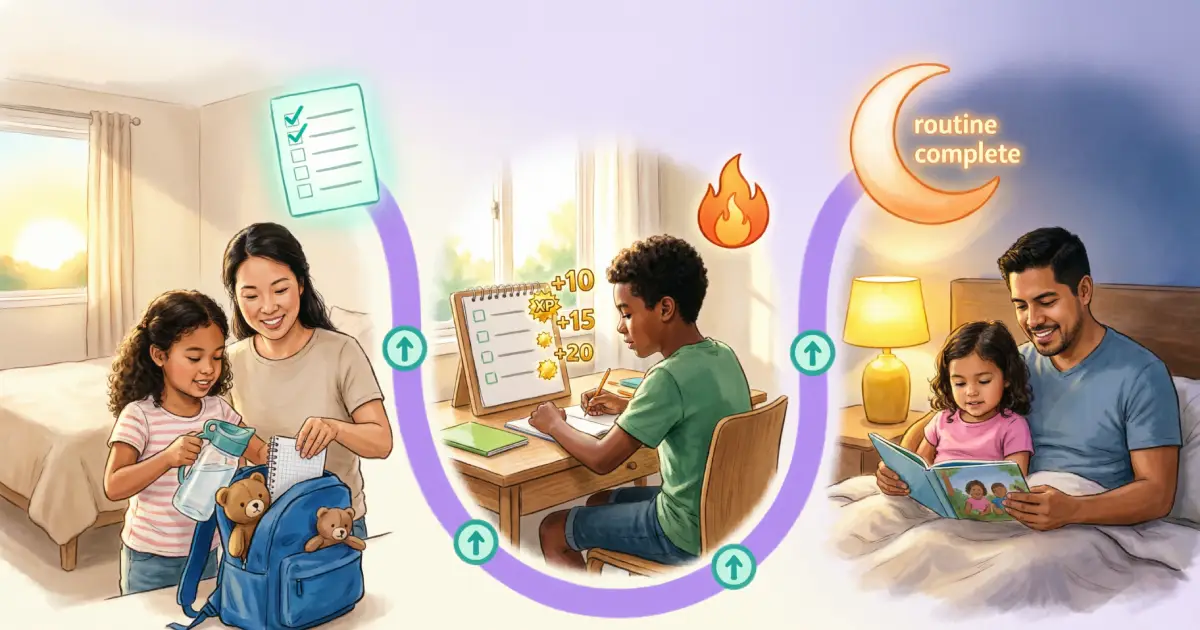
Day 5–7: The Habit Phase. Here's where the real magic happens. By the end of the first week, kids start anticipating their quests. You'll hear "I already made my bed" before you even ask. The quest loop — do task, earn XP, see progress — starts to become automatic.
Parent tip: Don't be afraid to adjust. If a quest is too easy, bump up the difficulty. If a reward feels too expensive, lower the cost. The first week is about finding your family's rhythm. Questmo is flexible — use it your way.
5 Tips for a Great First Week
- Start small: 3–5 quests is plenty. You can always add more once the habit is rolling.
- Let kids name their quests: When kids help name their tasks, they feel ownership. "Operation Clean Sweep" is more fun than "Vacuum the floor."
- Celebrate the first level-up: Make it a moment. High-fives, a little fanfare. Positive reinforcement is the fuel that keeps the engine running.
- Use recurring quests for daily habits: Brushing teeth, making the bed, reading before bed — set these as daily recurring quests and watch consistency build itself.
- Check in together: Spend 5 minutes each evening looking at progress together. Kids love showing you their XP and achievements. This becomes a bonding moment — not a lecture about chores.
Your Family's Quest Begins Now
You now have everything you need to launch your family's quest adventure. The setup takes less than 10 minutes, but the impact on your family's daily routine can last for years.
With Questmo, your family can:
- Assign tasks as quests with XP rewards and difficulty levels
- Watch your kids level up as they build consistent habits
- Let them earn and unlock premium avatars and achievements
- Set up a reward catalog where kids redeem their earned points
- Track progress with family analytics that show real growth
- Manage everything from a single family circle — both parents included
The adventure starts with a single quest. Open Questmo and create your first one today.
References
- Vaillant, G.E. (2012). Triumphs of Experience: The Men of the Harvard Grant Study. Harvard University Press. hup.harvard.edu
- Rossmann, M. (2002). "Involving Children in Household Tasks: Is It Worth the Effort?" University of Minnesota College of Education and Human Development. University of Minnesota
- Deterding, S., Dixon, D., Khaled, R., & Nacke, L. (2011). "From Game Design Elements to Gamefulness: Defining Gamification." Proceedings of the 15th International Academic MindTrek Conference. doi.org
- Hamari, J., Koivisto, J., & Sarsa, H. (2014). "Does Gamification Work? A Literature Review of Empirical Studies on Gamification." 47th Hawaii International Conference on System Sciences. doi.org
- Questmo Help Center. "Family Setup Guide." Questmo Help Center. faq.questmo.app